Add customizable PNG overlays on top of your favorite games. Perfect for streamers, content creators, and gamers.
Everything you need to create the perfect overlay setup for your gaming sessions.
Add a PNG overlay for any game.
Quick access with Shift+F9 to change settings without leaving your game.
Overlays don't interfere with gameplay. Completely transparent and clickthrough.
Automatically activates when you launch supported games and hides when you exit.
Minimal performance impact. Your gaming experience stays smooth and responsive.
Works seamlessly with 50+ popular titles. More games added regularly!
Don't see your game? Request it here
Get started in minutes with these simple steps.
Download and install Game Overlays from Overwolf's app store.
Start any supported game. The overlay will automatically activate.
Press Shift+F9 to open settings and add your custom PNG overlays.
See how others are using Game Overlays to personalize their experience.
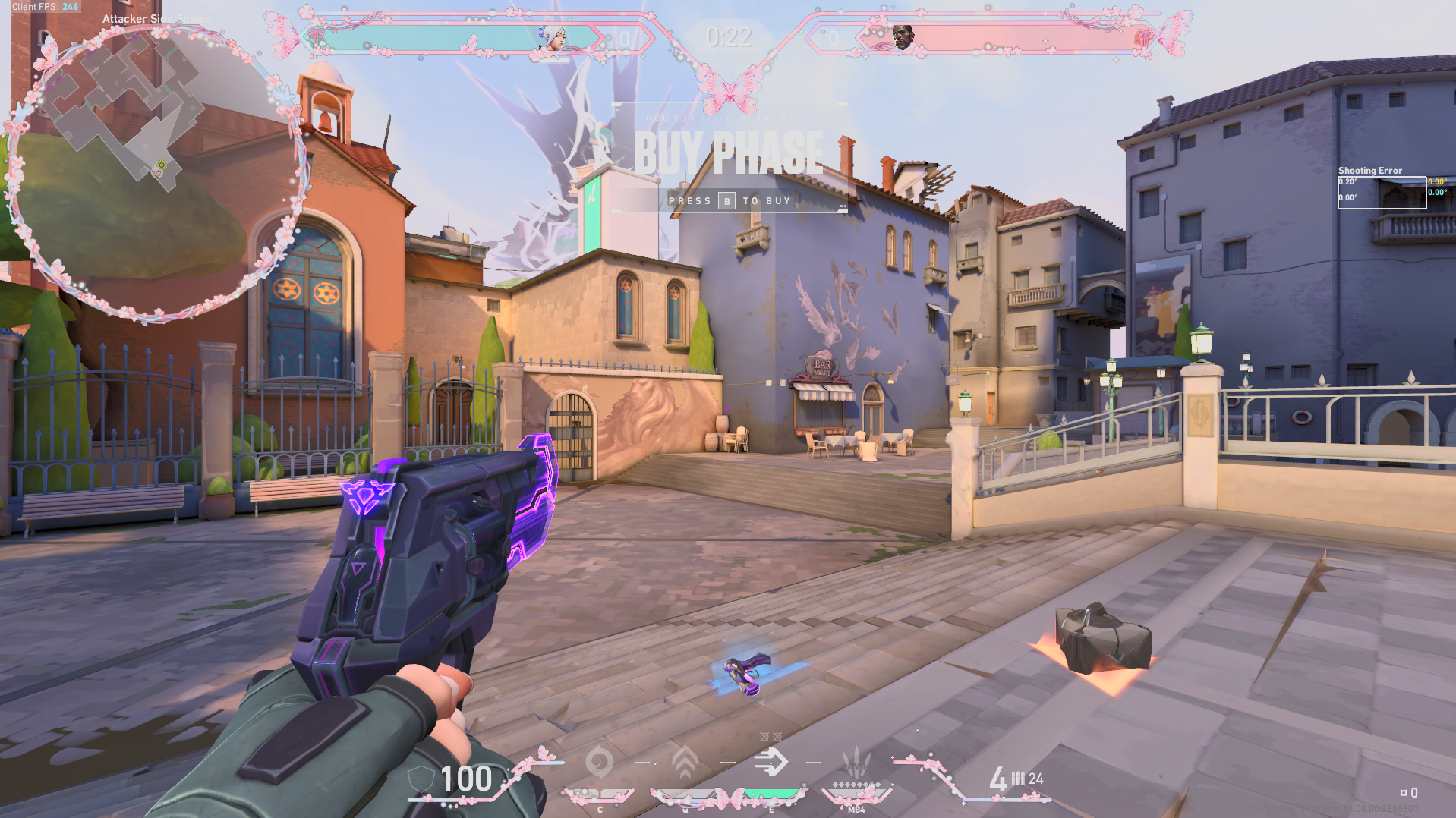
Cute Overlay Border around your entire game to make it look aesthetic. (Credit to NatsumiNook on Etsy) (Game Overlays was created under Riot Games' "Legal Jibber Jabber" policy using assets owned by Riot Games. Riot Games does not endorse or sponsor this project.)